
Busy professionals and students often feel overwhelmed by interruptions, unclear priorities, and the mental clutter of juggling multiple responsibilities. Calendar blocking provides a structured method to control your day and focus on what matters most. This guide will reveal how to implement calendar blocking step by step to boost productivity, reduce stress, and reclaim control over your schedule. You'll learn the foundational concepts, practical implementation steps, troubleshooting strategies, and ways to measure your success with this powerful time management approach.
Table of Contents
- Understanding The Calendar Blocking Process: What You Need Before You Start
- Step-By-Step Calendar Blocking Method For Busy Professionals And Students
- Troubleshooting Common Calendar Blocking Challenges And Avoiding Pitfalls
- Expected Outcomes And How To Measure Your Calendar Blocking Success
- Enhance Your Calendar Blocking With FloHub's Productivity Tools
- What Is Calendar Blocking And How Does It Differ From Regular Scheduling?
Key takeaways
| Point | Details |
|---|---|
| Intentional time allocation | Calendar blocking assigns specific tasks to specific time slots, transforming reactive work into proactive control. |
| Energy optimization | Planning around your peak energy hours maximizes task completion and reduces procrastination. |
| Burnout prevention | Including breaks and meeting-free time prevents burnout and supports sustained productivity. |
| Mental clarity | Effective calendar blocking reduces decision fatigue and mental clutter by pre-deciding your workflow. |
Understanding the calendar blocking process: what you need before you start
Before diving into calendar blocking, you need to understand its core purpose and gather the right tools. Time blocking is the practice of planning your day in advance by assigning specific tasks to specific time slots. This intentional approach shifts you from reacting to tasks as they appear toward proactive control of your schedule.
You'll need a digital calendar like Google Calendar or Outlook, a task list to capture priorities, and optionally a timer or focus app to enforce your blocks. The mindset shift matters just as much as the tools. Instead of letting emails and notifications dictate your day, you decide what deserves your attention and when.
A critical preparation step involves auditing your current schedule. Review the past week and identify how you actually spent your time versus how you intended to spend it. This audit reveals patterns, time wasters, and opportunities for better structure. List your top three to five priorities for the upcoming week, then consider which tasks align with those priorities.

One common misconception is that calendar blocking requires planning every single minute. In reality, you can be productive without planning every second. Build realistic flexibility into your blocks to accommodate unexpected tasks or delays. Aim to block 60 to 70 percent of your day, leaving the rest for buffer time and spontaneous needs.
Pro Tip: Start by blocking just your top three priorities each day for the first week. Once you're comfortable with this foundation, gradually add more structure to your schedule.
Here's a simple checklist to prepare for calendar blocking:
- Audit your current schedule for patterns and time wasters
- Identify your top three to five weekly priorities
- Choose a digital calendar tool you already use
- Gather your task list from existing tools or apps
- Set realistic expectations for flexibility
| Preparation Element | Purpose | Time Required |
|---|---|---|
| Schedule audit | Identify current time use patterns | 30 minutes |
| Priority identification | Clarify what matters most | 15 minutes |
| Tool setup | Configure calendar and task list | 20 minutes |
| Mindset adjustment | Shift from reactive to proactive | Ongoing |
Integrating your tasks and calendar in one place simplifies daily planning and reduces the mental load of switching between apps. With preparation complete, you're ready to build your first calendar blocks.
Step-by-step calendar blocking method for busy professionals and students
Now that you understand the foundation, follow these precise steps to create your personalized calendar blocking routine. This method works for both busy professionals managing meetings and students balancing classes and assignments.
-
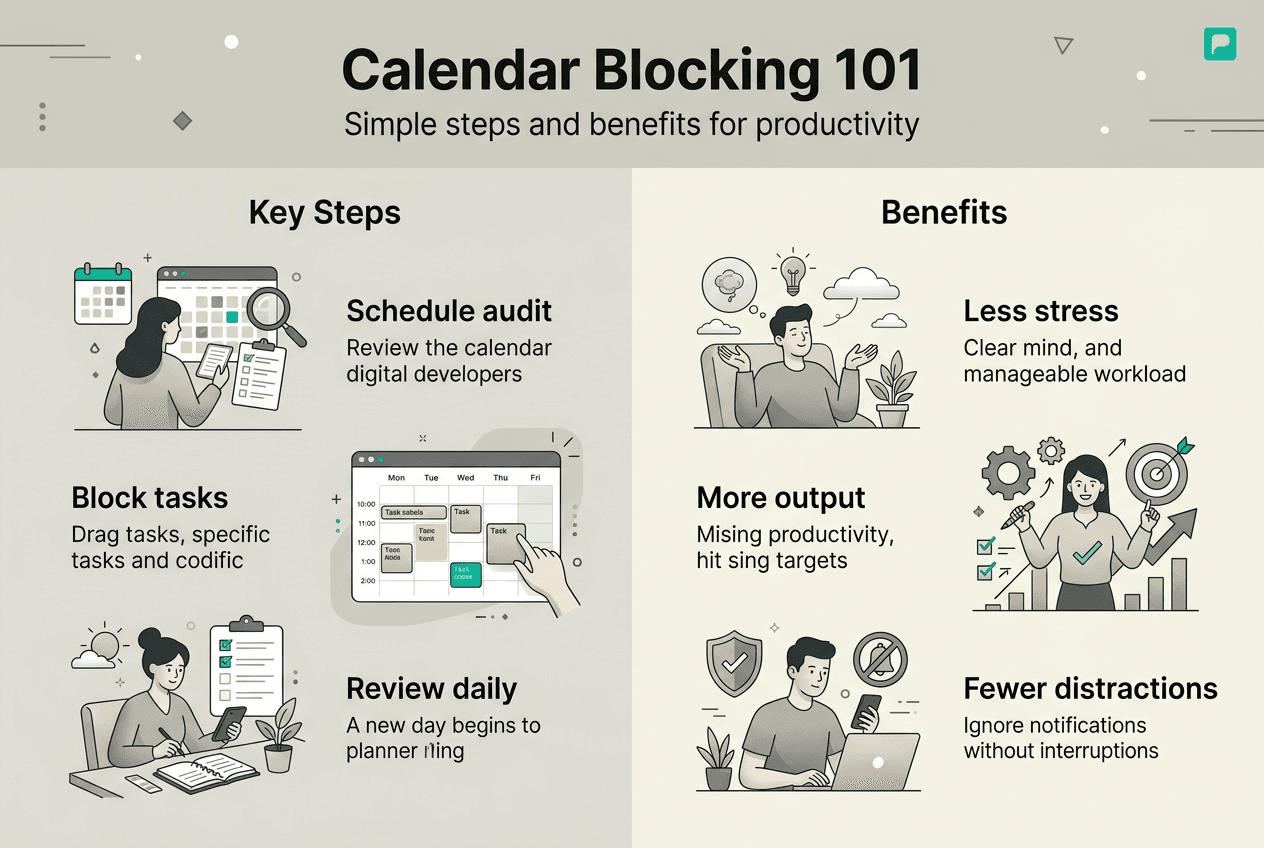
Identify your priorities and major tasks for the day or week. Review your task list and select the three to five most important items that align with your goals. Write them down or highlight them in your task manager.
-
Detect your peak energy periods for deep work focus blocks. Identifying and utilizing peak productivity hours is crucial for effective calendar blocking. Track when you feel most alert over several days, then schedule demanding tasks during these high-energy windows.
-
Assign fixed time slots for deep work with no distractions. Creating focus blocks for deep work, free from distractions, is essential for achieving meaningful progress. Allocate 60 to 90 minutes for each deep work block, and protect these slots from meetings and interruptions.
-
Schedule breaks strategically to align with your natural energy rhythms. After each 90-minute focus block, take a 10 to 15 minute break to recharge. This prevents burnout and maintains sustained productivity throughout the day.
-
Allocate time for routine tasks, meetings, and buffer zones. Block time for email processing, administrative work, and scheduled meetings. Add 15 to 30 minute buffer blocks between major activities to handle overruns and transitions.
-
Reserve some flexible time for unexpected tasks or overflow. Leave 30 to 40 percent of your day unblocked to accommodate urgent requests, longer-than-expected tasks, and spontaneous opportunities.
-
Review and adjust your blocks at the end of each day. Spend five minutes comparing your planned blocks with actual time spent. Note what worked, what didn't, and adjust tomorrow's blocks accordingly.
Pro Tip: Color code your calendar blocks by category, such as deep work in blue, meetings in red, and breaks in green. This visual system helps you quickly assess balance at a glance.
| Block Type | Duration | Purpose | Frequency |
|---|---|---|---|
| Deep work | 60-90 min | Focus on priority tasks | 1-2 per day |
| Routine tasks | 30-45 min | Email, admin, quick items | 2-3 per day |
| Meetings | Variable | Collaboration and communication | As needed |
| Breaks | 10-15 min | Recharge and reset | After each focus block |
| Buffer | 15-30 min | Handle overruns and transitions | Between major blocks |
This structured approach helps you reduce mental clutter by pre-deciding your workflow. You'll spend less energy figuring out what to do next and more energy actually doing the work. The key is consistency: stick with your blocks for at least two weeks before making major adjustments.
Troubleshooting common calendar blocking challenges and avoiding pitfalls
Even with a solid plan, you'll encounter obstacles when adopting calendar blocking. Understanding these challenges and their solutions helps you maintain your routine through difficulties.
Over-scheduling without breaks leads to burnout quickly. When you fill every available minute with tasks, you leave no room for rest or unexpected needs. The result is exhaustion and abandonment of the system. Build in regular breaks and avoid the temptation to maximize every moment.
Underestimating task duration causes block spillover and frustration. Most people underestimate how long tasks take by 20 to 40 percent. When your blocks consistently run over, your entire schedule collapses. Track actual time spent on recurring tasks, then add a 25 percent buffer to your estimates.
Managing interruptions and unexpected urgent tasks poses the biggest challenge for calendar blocking. Workers take an average of 23 minutes and 15 seconds to return to their original task after an interruption. This attention residue destroys productivity and undermines your carefully planned blocks.
Protect your deep work blocks rigorously and communicate boundaries to colleagues and family. Turn off notifications, close your door, and use status indicators like "Do Not Disturb" on communication tools. Let people know when you'll be available for questions and requests.
Use buffer blocks and meeting-free days to regain control when interruptions pile up. Designate one or two days per week as meeting-free to guarantee uninterrupted focus time. Schedule buffer blocks specifically for handling unexpected urgent items that arise.
Unfinished tasks persist in the mind and hinder performance, creating cognitive interference. When your blocks get disrupted, unfinished work creates mental clutter. Combat this by immediately rescheduling interrupted tasks to a specific future block rather than leaving them floating on your list.
Pro Tip: Review your actual time spent versus planned blocks every Friday. This weekly reflection helps you adjust estimates and identify patterns in interruptions, leading to more realistic and sustainable blocking over time.
Here are strategies to overcome common pitfalls:
- Schedule 10-minute breaks after every 60-90 minute focus block
- Add 25 percent buffer time to your initial task estimates
- Communicate your focus blocks to colleagues and set clear availability windows
- Designate specific buffer blocks for handling unexpected urgent tasks
- Use meeting-free days to protect extended focus time
- Immediately reschedule interrupted tasks to future blocks
Adopting a calm productivity mindset helps you stay flexible when plans change. Calendar blocking provides structure, but life requires adaptability. The goal is progress, not perfection.
Expected outcomes and how to measure your calendar blocking success
Recognizing the benefits of calendar blocking and tracking your progress keeps you motivated and enables continuous improvement. Time blocking can make you up to 2x more efficient than conventional planning methods when implemented consistently.
You'll notice several immediate benefits within the first two weeks. Completed tasks increase because you've allocated dedicated time for priorities. Stress decreases because you have a clear plan rather than constant decision-making. Your understanding of workload capacity improves as you see how long tasks actually take.
Track these specific metrics to measure your calendar blocking success. Count completed priority tasks each day and compare to your pre-blocking baseline. Record time spent per block versus your original plan to refine estimates. Rate your subjective stress levels on a scale of one to ten at the end of each day.
Structured time blocking has been associated with large improvements in output and reductions in stress. To verify these improvements, compare your conventional scheduling approach with your blocked schedule side by side for two weeks.
| Metric | Conventional Scheduling | Calendar Blocking | Improvement |
|---|---|---|---|
| Priority tasks completed | 2-3 per day | 4-6 per day | 80-100% increase |
| Stress level (1-10 scale) | 7-8 | 4-5 | 40% reduction |
| Unplanned overtime | 2-3 hours/week | 0-1 hours/week | 70% reduction |
| Meeting interruptions | 8-10 per week | 3-4 per week | 60% reduction |
Use calendar analytics tools or a simple journal to verify improvements. Many digital calendars offer time tracking reports that show how you spent your time. Review these reports weekly to spot patterns and opportunities for optimization.
Pro Tip: Celebrate small wins each week, like completing all deep work blocks or reducing stress by one point. These celebrations reinforce positive habits and make calendar blocking sustainable long term.
Consider integrating AI-powered task management tools to automate tracking and gain insights into your productivity patterns. These tools can identify trends you might miss manually and suggest optimizations to your blocking routine.
Explore additional productivity workflow strategies to complement your calendar blocking practice. Combining multiple approaches creates a comprehensive system that adapts to your evolving needs and challenges.
Enhance your calendar blocking with FloHub's productivity tools
With a solid grasp of calendar blocking and its benefits, consider tools like FloHub to maximize your productivity effortlessly. FloHub offers AI-powered task management that integrates seamlessly with your calendar for effortless blocking. You can sync your Google, Outlook, or iCal calendars to unify tasks and events in one place, eliminating the context switching that drains mental energy.
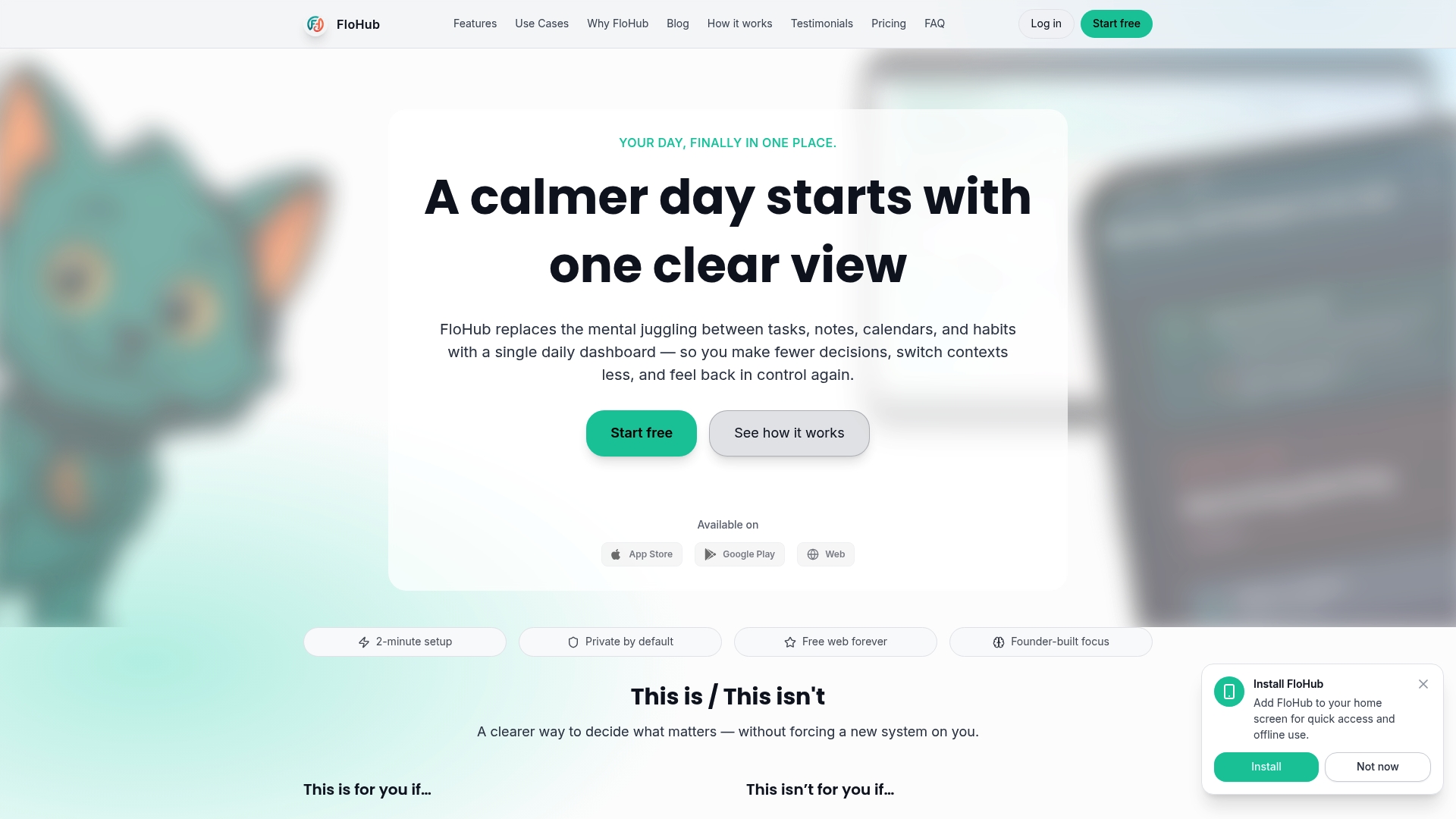
FloHub's dashboard provides a clear overview of daily priorities, upcoming events, and ongoing habits without requiring complex setup or adaptation. The platform emphasizes simplicity and privacy, making it ideal for busy professionals and students who want calm control over their routines. Use FloHub's meeting notes and goal tracking features to stay aligned with priorities throughout your blocked schedule. The calendar integration automatically pulls in your events and suggests optimal blocking patterns based on your habits.
Pro Tip: Leverage FloHub's automation features to set recurring blocks and reminders without manual effort. This saves time on setup and ensures consistency in your calendar blocking practice. Explore how FloHub supports busy professionals with tailored features for managing complex schedules and multiple priorities.
What is calendar blocking and how does it differ from regular scheduling?
Calendar blocking means assigning specific time slots to tasks to proactively shape your day rather than reacting to demands as they arise. Unlike regular scheduling, which often just lists events and deadlines, calendar blocking emphasizes creating focus blocks aligned with your energy levels. It reduces decision fatigue by pre-deciding your workflow, so you spend less mental energy figuring out what to do next. This approach integrates tasks and calendar together for a unified view of your day.
How do I identify my peak productivity hours for calendar blocking?
Track times of day when you feel most alert and focused over several days using simple journaling or energy tracking apps. Record when you naturally feel energized versus when you experience dips in concentration. Individuals who align deep work tasks with peak energy periods report a 40 percent increase in task completion. Experiment by scheduling your most demanding tasks during these high-energy windows and observe the results.
What are common mistakes to avoid when starting calendar blocking?
Avoid overloading your calendar without breaks, which leads to burnout and system abandonment within days. Don't expect perfection from day one; build flexibility for unexpected tasks and allow yourself to adjust estimates as you learn. Protect deep work blocks firmly from interruptions by communicating boundaries and using "Do Not Disturb" modes. Focus on reducing mental clutter by keeping your blocking system simple and sustainable rather than overly complex.
Can calendar blocking reduce stress and improve well-being?
Calendar blocking reduces overwhelm by providing clear daily structure and eliminating constant decision-making about what to work on next. Structured time blocking has been associated with reductions in stress and improved well-being among professionals and students. It helps prevent cognitive overload by minimizing task switching and the mental burden of unfinished work. Time management behaviors have a moderate positive relationship with job performance and well-being, making calendar blocking a valuable tool for work-life balance.